 LapBeepsLapBeeps
Supported decoder
A polished, commercial IR decoder — into LapBeeps through the LapGw bridge.
How to connect
Follow LapMonitor'sPC connection guidefor LapGw, then aim LapBeeps at the bridge.
LapBeeps can't talk to the LapMonitor directly. Download LapGw — the LapMonitor gateway — and run it on the same PC.
In LapGw, scan for Bluetooth devices, connect to your LapMonitor, and start its server. The bridge now relays every IR detection.
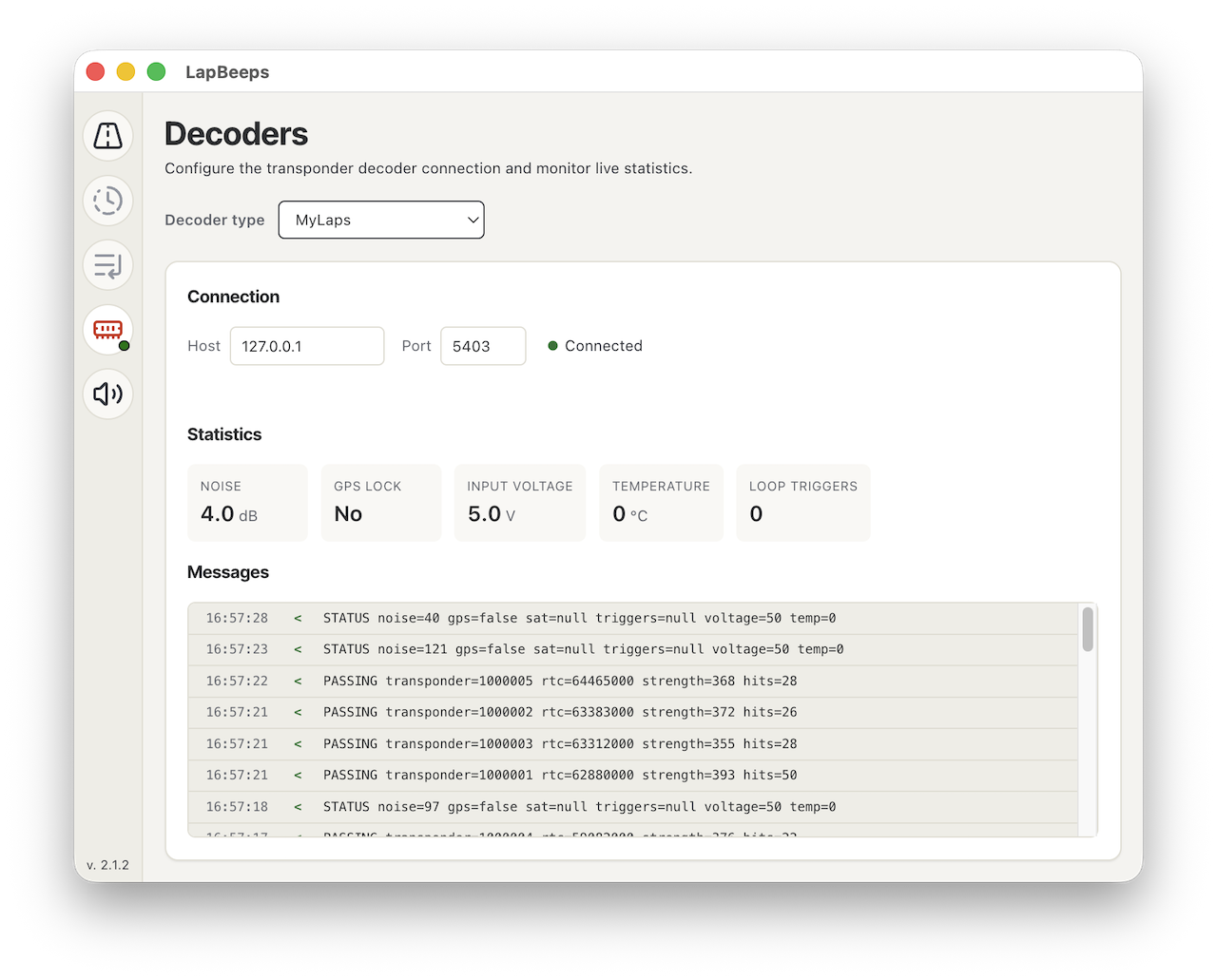
In LapBeeps, add a MyLaps / AMB P3 decoder pointed at 127.0.0.1, port 5403 — the address LapGw listens on.
LapGw forwards each crossing as a P3 passing. LapBeeps scores, ranks, and announces it — live, like any other decoder.
Because LapMonitor connects over Bluetooth, LapBeeps doesn't reach it directly. You run LapMonitor'sfree gateway, which relays every detection to LapBeeps as a MyLaps/AMB P3 stream on 127.0.0.1:5403. Set it up once and forget it.